
AI Label Remover: Strip Hidden AI Tags From Any Image
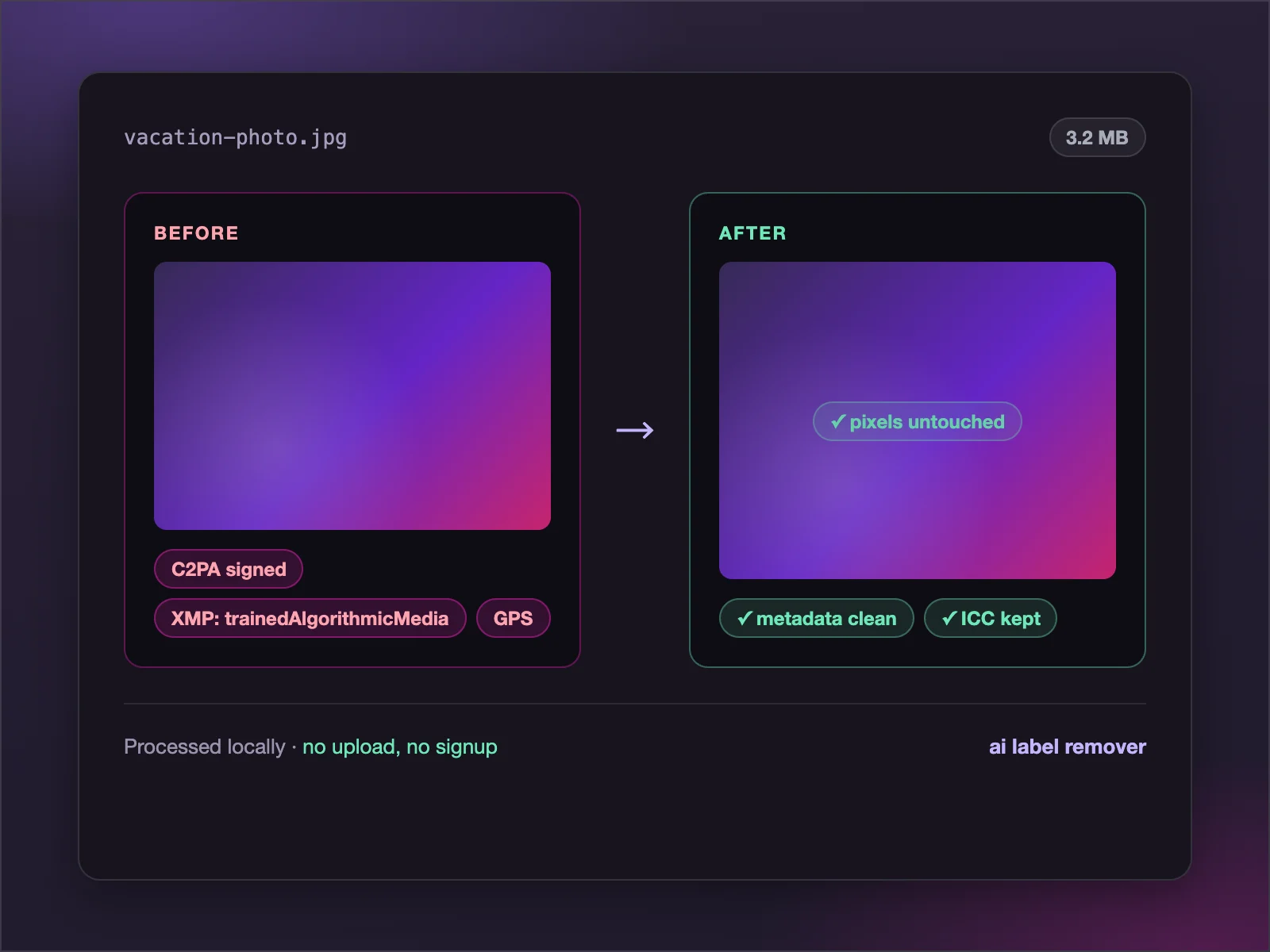
This free AI label remover finds the hidden metadata that tags your image as AI-made — C2PA Content Credentials, XMP fields, EXIF details and saved generation prompts — and deletes it byte by byte. Your pixels, colors and quality stay exactly as they were. Nothing uploads, nothing is stored: the AI label remover runs entirely in your browser.
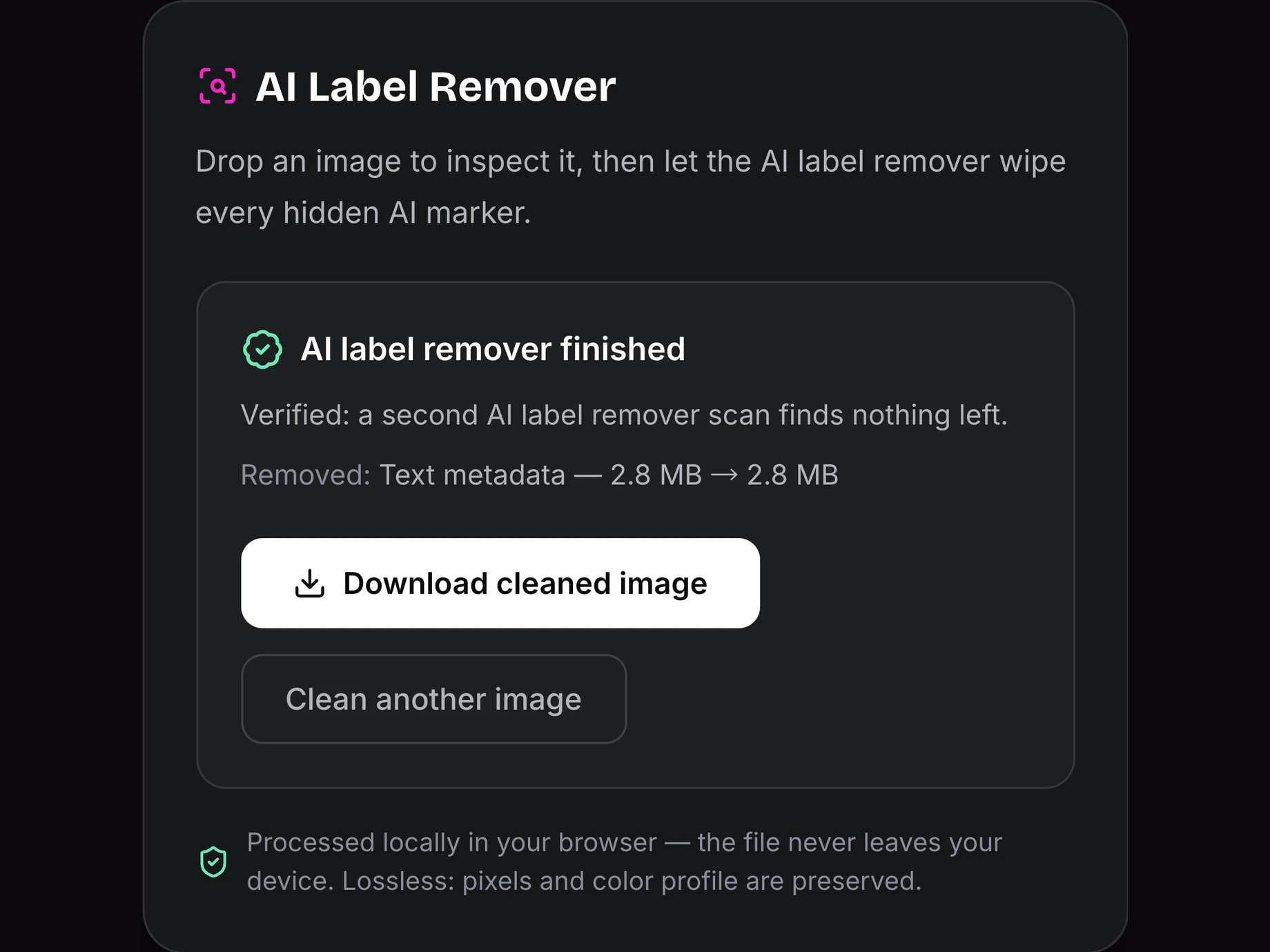
AI Label Remover
Drop an image to inspect it, then let the AI label remover wipe every hidden AI marker.
Processed locally in your browser — the file never leaves your device. Lossless: pixels and color profile are preserved.
Why this AI label remover is different
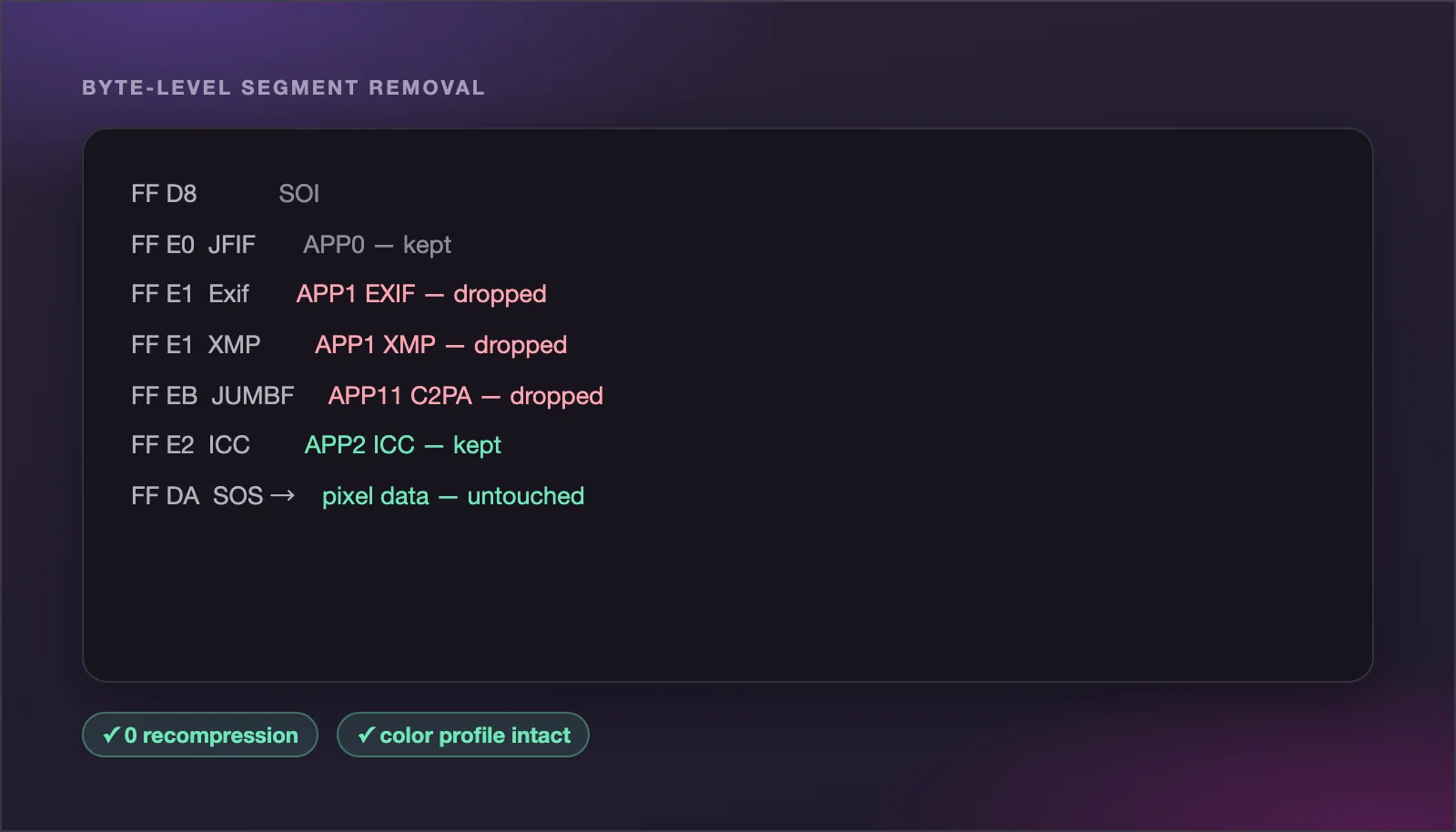
Most tools re-compress your image or silently throw away color data. This AI label remover edits only the metadata containers — and proves what it removed.
AI label remover with lossless cleaning
The AI label remover deletes metadata segments straight from the file bytes — EXIF, XMP, IPTC, C2PA manifests and PNG text chunks — without re-encoding. Pixels, transparency and your ICC color profile stay byte-identical, so prints and listings keep their exact colors.
Try it now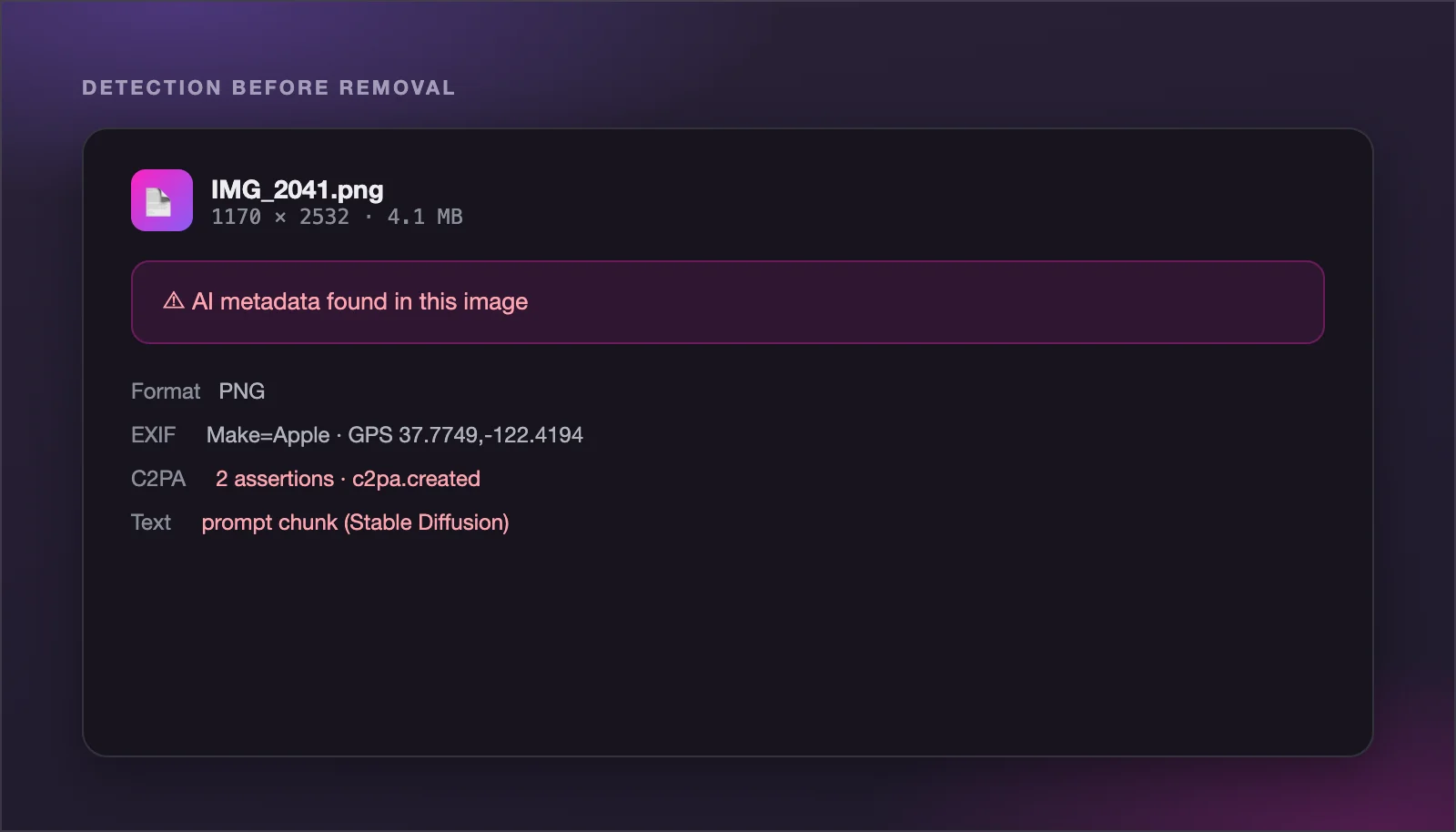
Removes C2PA Content Credentials
C2PA manifests are what Instagram, Facebook, TikTok and LinkedIn read before adding a 'Made with AI' or 'AI info' label. The AI label remover strips the JUMBF manifest from JPEG APP11 segments, the caBX chunk from PNG, and the C2PA chunk from WebP.
Try it now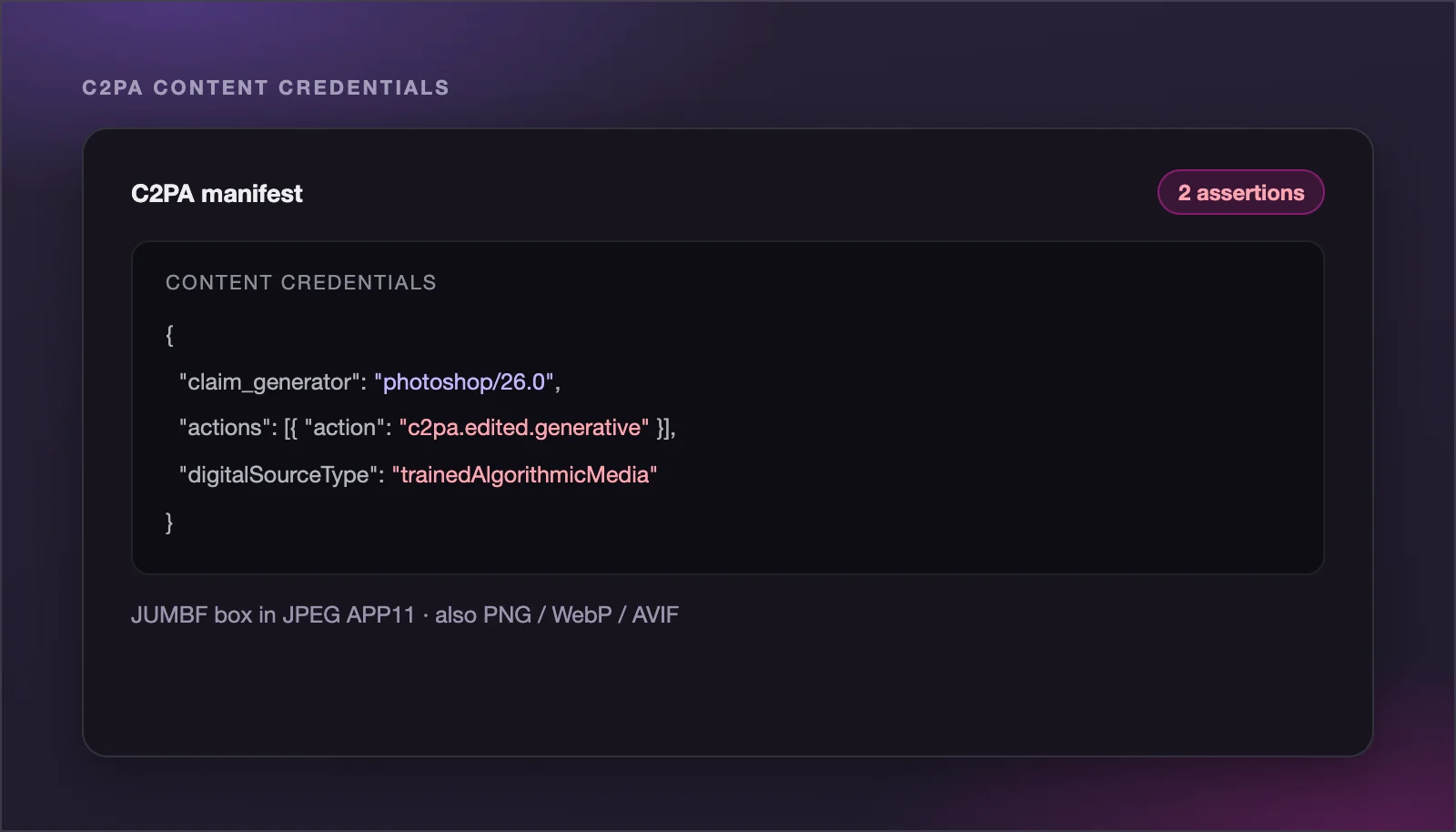
See the AI label before you remove it
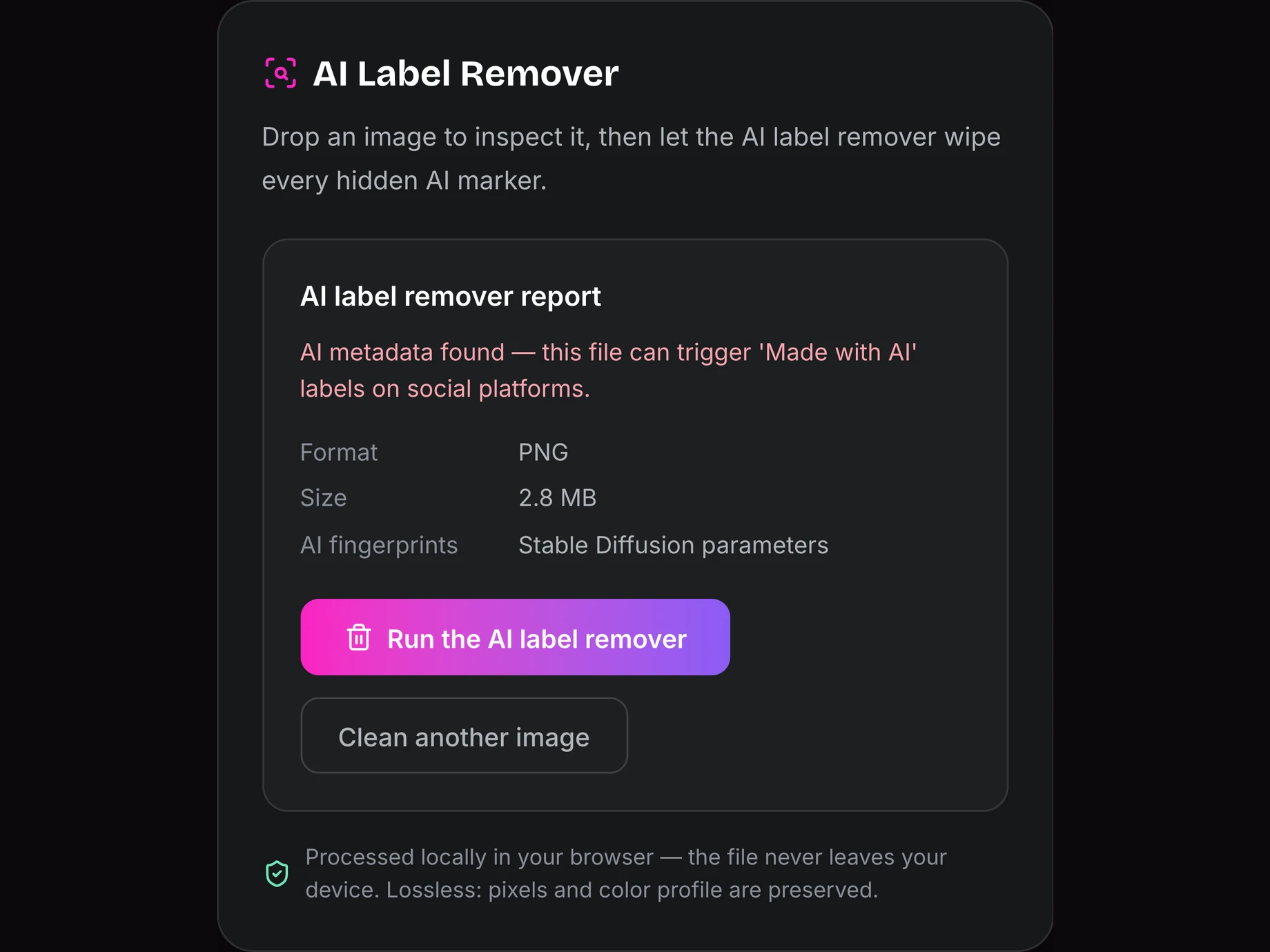
Every file gets a free inspection first. The AI label remover report shows whether a C2PA manifest is present, which generator made the image — Midjourney, DALL-E, Stable Diffusion, Firefly — and whether the file declares itself as AI-generated.
Try it now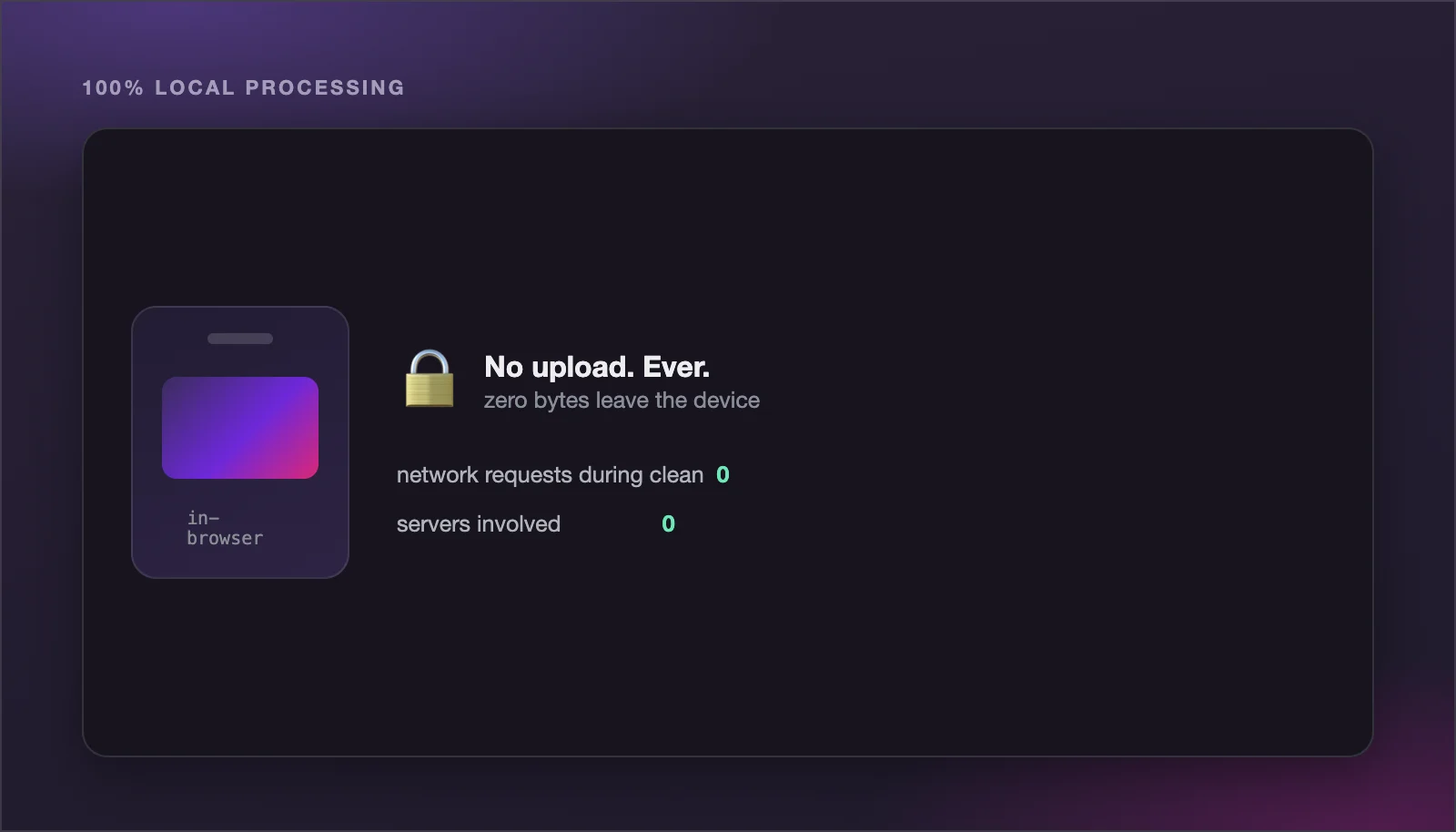
A 100% private AI label remover
Your images never leave your device. This AI label remover runs entirely in your browser — no uploads, no accounts, no queues, no server logs — which is exactly why it can be free and unlimited.
Try it now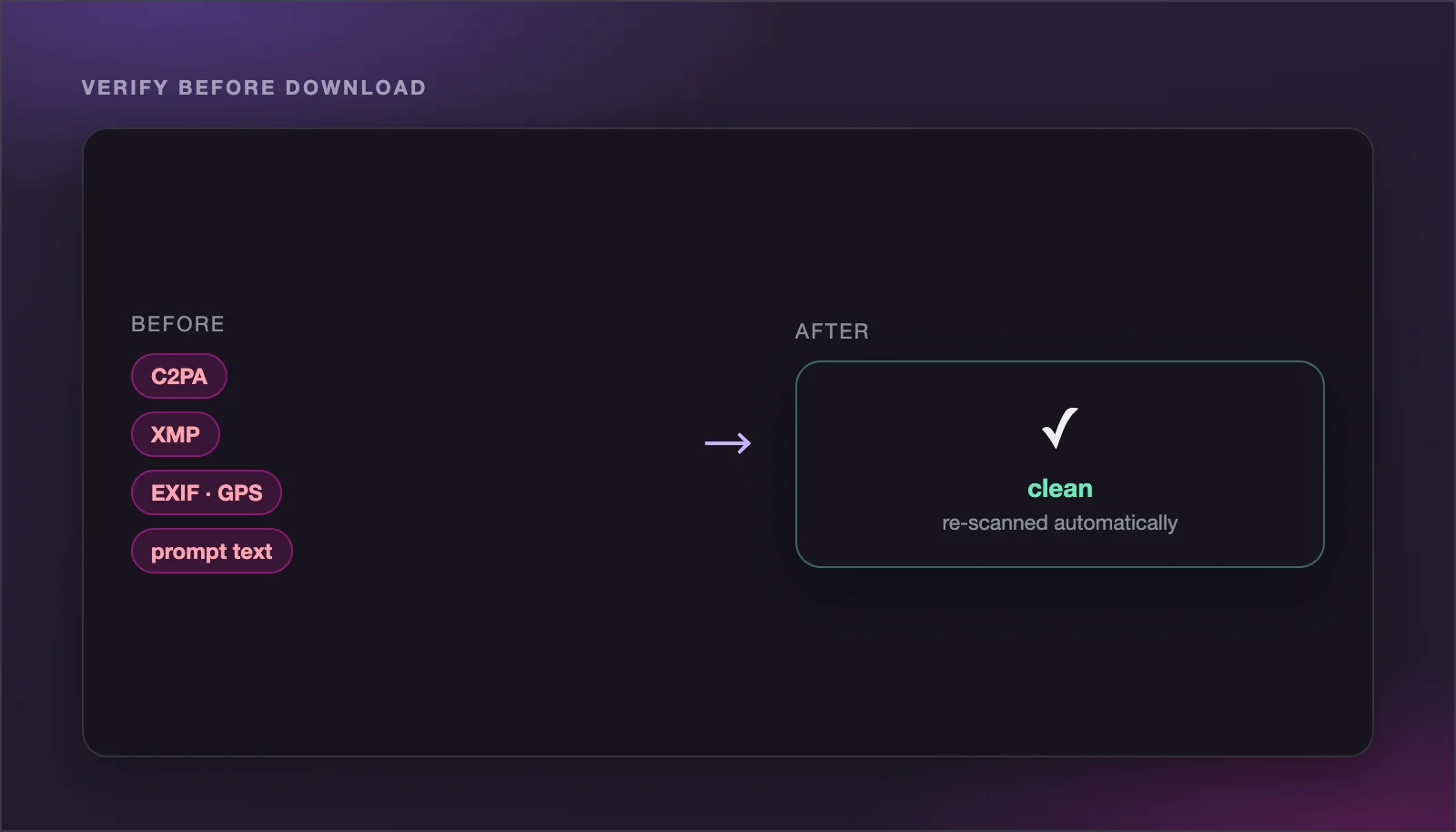
Honest about its limits
The AI label remover cleans the metadata layer completely, but it cannot touch pixel-level watermarks like Google's SynthID — no tool can. After cleaning, the report re-scans the file so you can verify nothing is left.
Try it nowHow the AI label remover works
Three steps, a few seconds, no software to install.
STEP 01
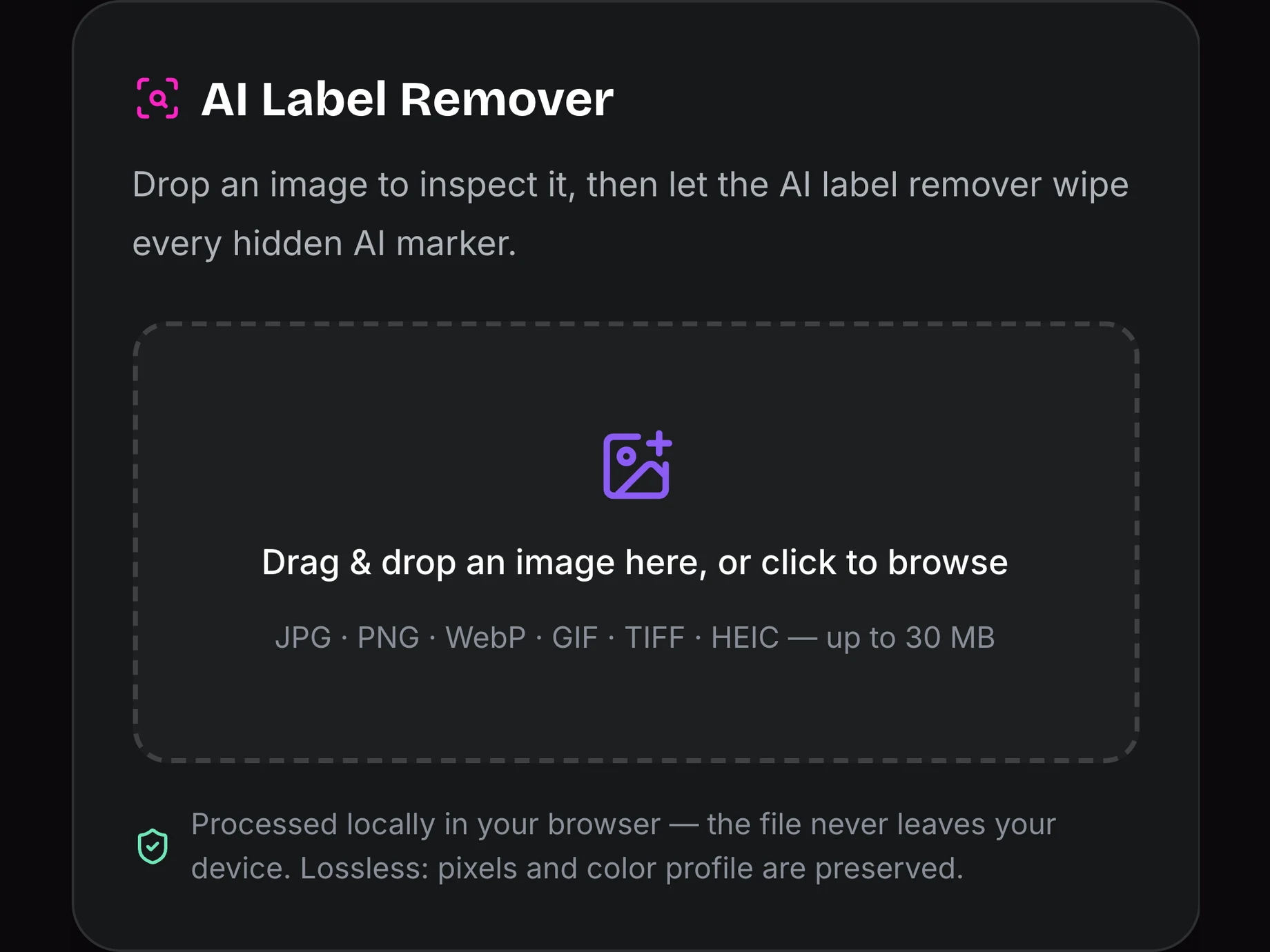
Drop your image in
Add a JPG, PNG, WebP, GIF, TIFF or HEIC up to 30 MB. The AI label remover opens it locally and immediately scans for hidden AI metadata.
STEP 02
Read the report
See exactly what the file carries: C2PA credentials, generator fingerprints, saved prompts, GPS coordinates and camera data.
STEP 03
Clean and download
One click and the AI label remover wipes every metadata container losslessly, re-scans the result to verify, and hands you the clean file.
Who uses an AI label remover
Four everyday jobs for one free AI label remover.
Post AI art without the label
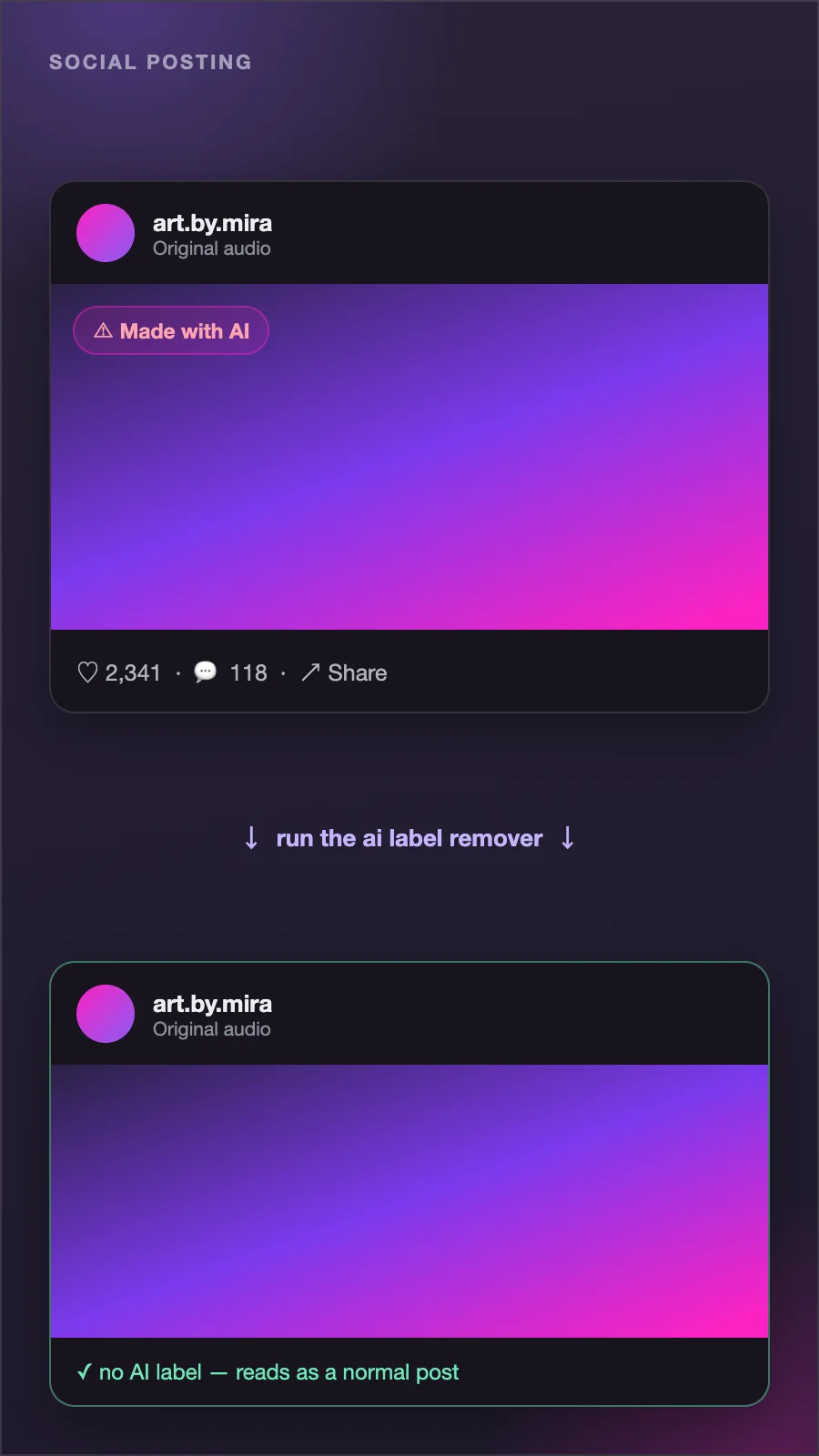
Images from Midjourney, DALL-E or Stable Diffusion carry metadata that makes Instagram, TikTok and Pinterest tag your post as AI-made. Run the file through the AI label remover first and the upload reads as a normal photo.
Try it now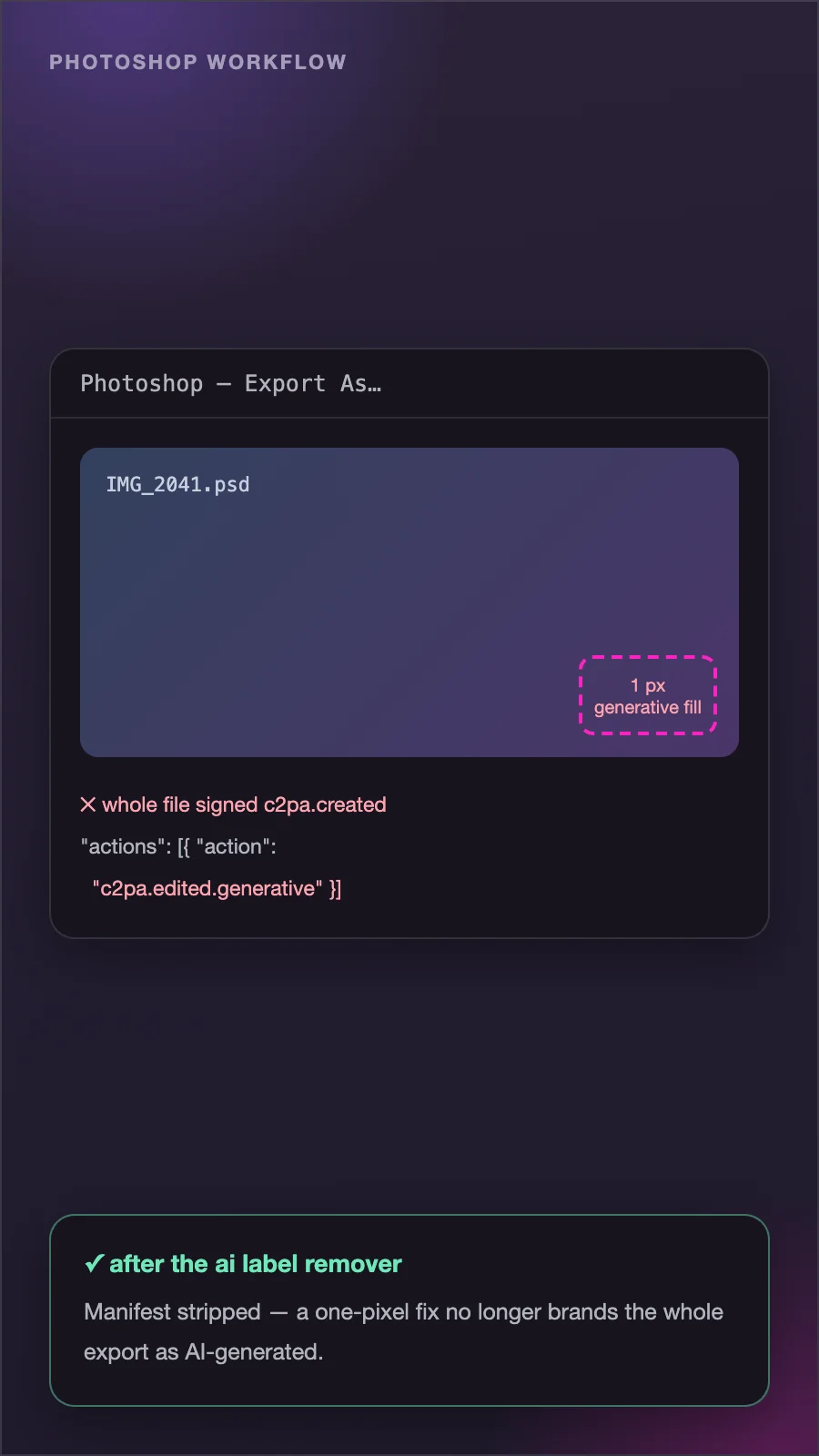
Fix Photoshop AI flags
Even a tiny Generative Fill edit makes Photoshop embed C2PA credentials in the whole export. The AI label remover strips that manifest, so a one-pixel fix stops branding the entire image as AI-generated.
Try it now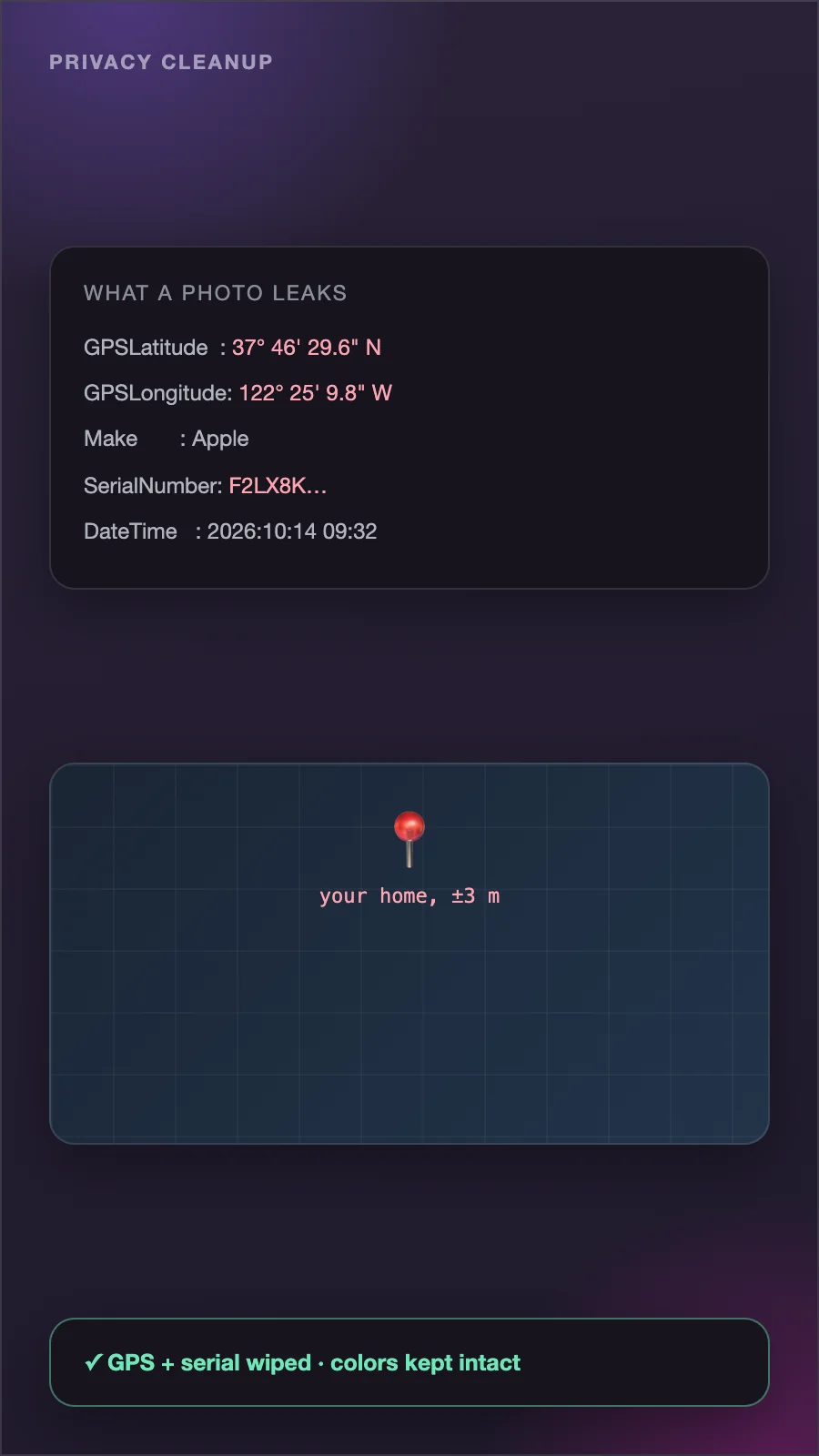
Protect your privacy
Photos leak GPS coordinates, camera serial numbers and timestamps. The AI label remover wipes that layer before you publish — and keeps your color profile intact, unlike re-saving.
Try it now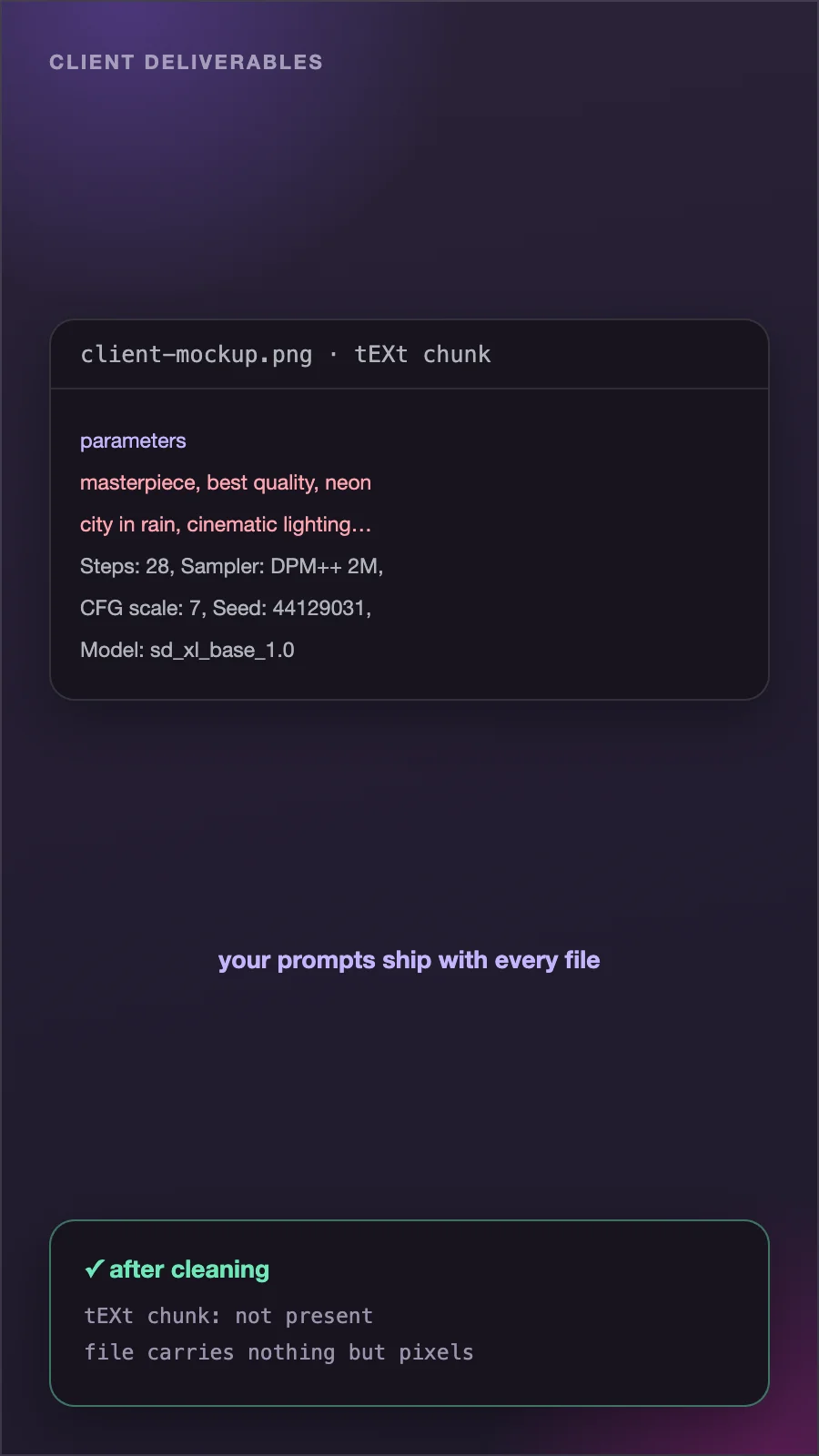
Clean client deliverables
AI-assisted mockups often ship with generation prompts still embedded in PNG text chunks. Designers use the AI label remover to hand over files that carry nothing but pixels.
Try it nowAI label remover tips
Small habits that make every cleanup count.
AI Label Remover FAQ
Straight answers about what an AI label remover can and cannot do.
An AI label remover deletes the hidden metadata that marks a file as AI-made: C2PA Content Credentials, XMP provenance fields, IPTC declarations, EXIF camera data and PNG text chunks that store generation prompts. The visible image is never touched.
Yes. Because the AI label remover runs entirely in your browser, there are no server costs to cover — no credits, no accounts, no watermarks added, and no limits on how many images you clean.
No. The AI label remover works at the byte level and only removes metadata segments. Pixels are never re-compressed, resolution stays the same, and your ICC color profile and EXIF orientation are preserved by default.
No — and be suspicious of any tool that claims it can. SynthID and similar watermarks are woven into the pixels themselves, not stored as metadata. An AI label remover can only clean the metadata layer; removing a pixel watermark means regenerating the image.
In most cases, yes. Instagram, Facebook, TikTok and LinkedIn read C2PA and XMP metadata to decide when to show AI labels, and the AI label remover strips exactly those containers. Platforms also run visual AI detection, so no result can be guaranteed forever.
Yes. A single Generative Fill touch-up makes Photoshop embed AI credentials in an otherwise handmade image, and cameras are starting to sign files too. The AI label remover shows you what triggered the flag, then removes it losslessly.
JPEG, PNG, WebP, GIF, TIFF and HEIC — covering exports from Midjourney, DALL-E, Stable Diffusion, Firefly and every major camera. The AI label remover handles files up to 30 MB entirely on your device.
Removing metadata from your own images is legal in most jurisdictions — photographers have stripped EXIF data for decades. Some platforms do require disclosing AI-generated content, and a few regions are writing disclosure laws, so use the AI label remover responsibly and follow the rules of the platform you publish to.
Try the AI label remover now
Free, unlimited and completely private. Drop an image into the AI label remover and see what your files have been carrying.
Clean my image